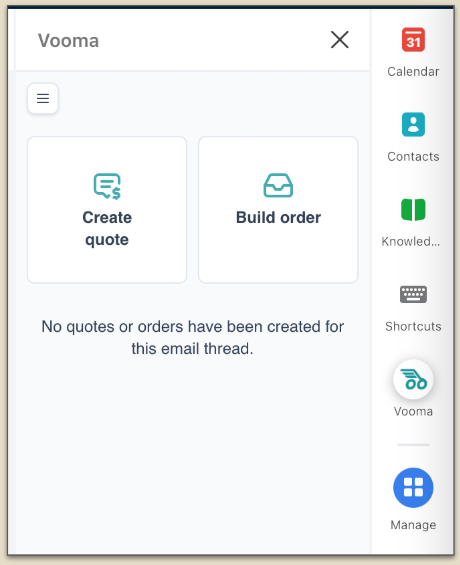
Installing the Front add-in
Last updated: June 24, 2025
How to install the Front add-in
(1) Install Vooma Add-In in Front
Click ‘Manage’ and then click ‘Go to all plugins’ button
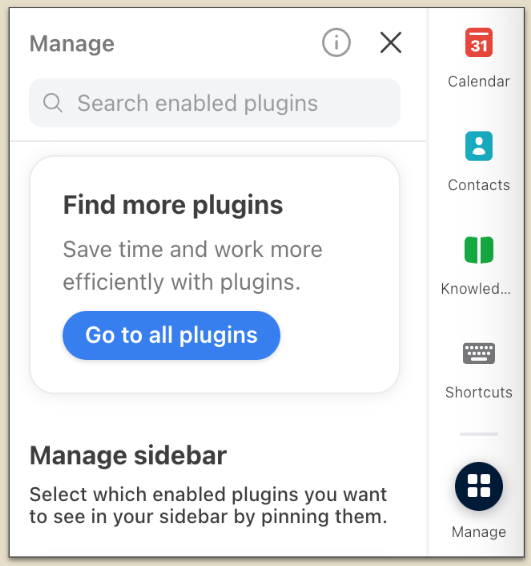
Type 'Vooma' into the search box to quickly find relevant results
Click Install button to start the installation process
Compatible with all versions, including Desktop, Web, and Mac
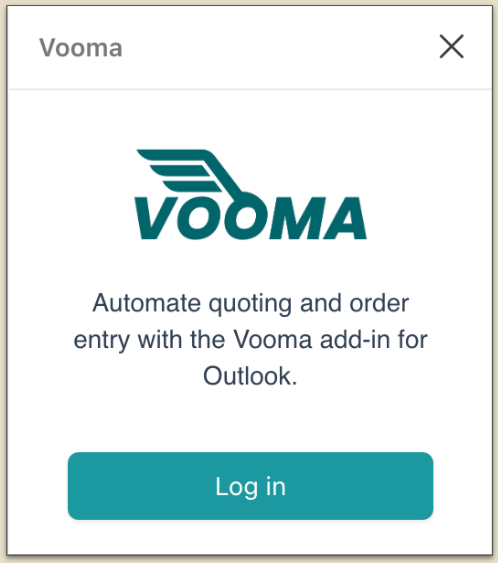
(2) Log in to Vooma
Log in using your Vooma credentials
(3) Authorize connection
Access app.vooma.ai/integrations
Click the Front logo in app.vooma.ai to authorize the Vooma Front plugin
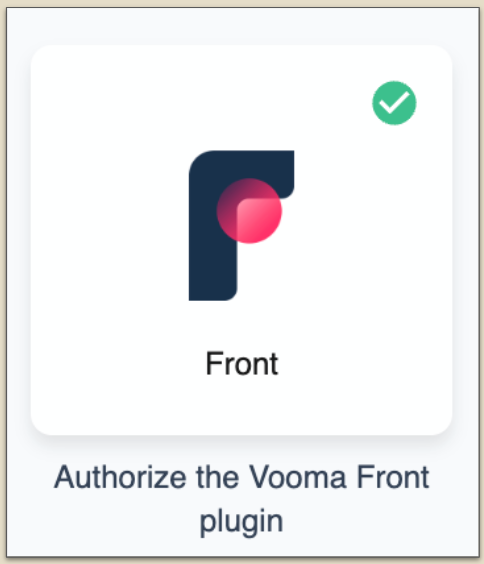
Follow the on-screen instructions in Front to complete the setup
(4) You’re live!
Hit ‘Refresh’ in Front to reload and display the most recent updates.
You're all set! Everything is ready for you to get started!