Installing the Gmail add-in
Last updated: April 30, 2026
How to install the Gmail add-in
(1) Install Vooma Add-In in Gmail
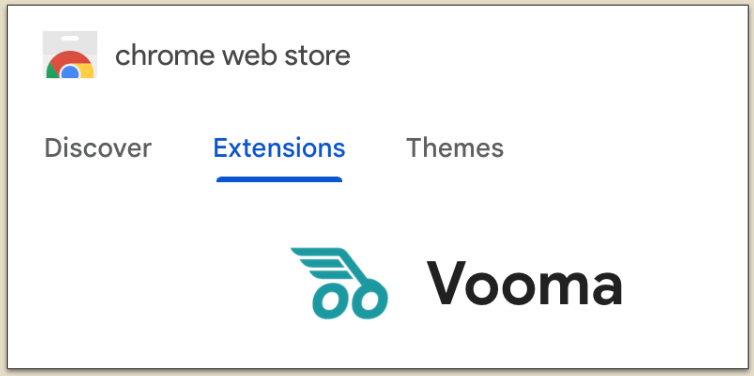
Go to this link in the Chrome Web Store to download and add the Vooma extension
Click 'Add to Chrome' button to install the Vooma extension
(2) Log in to Vooma
Go to Gmail (you might need to Refresh your tab)
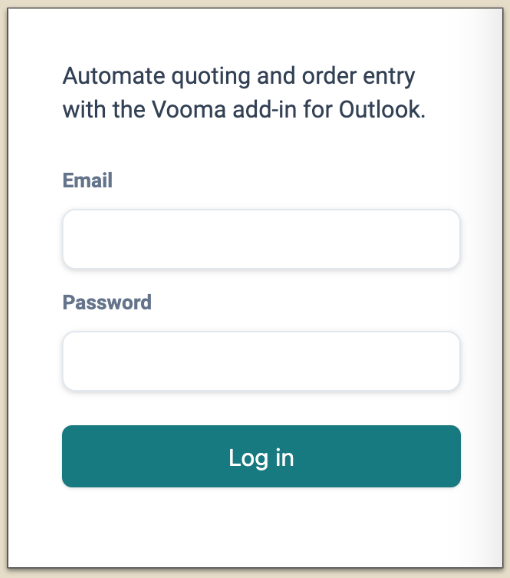
Click the Vooma icon in the top right
Log in using your Vooma credentials
(3) Authorize connection
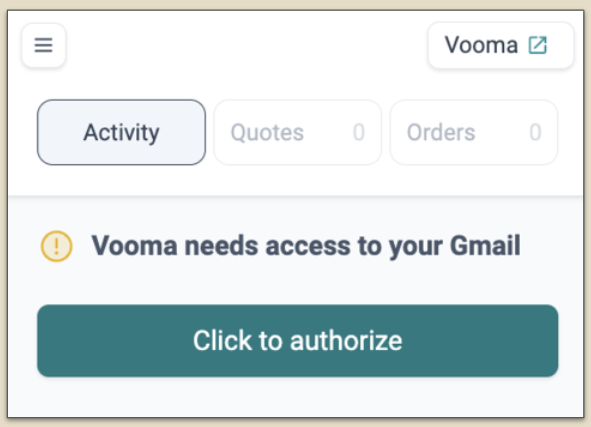
Follow the instructions provided in Gmail
Log in with your Gmail credentials
If you encounter an ‘unsafe’ error, click ‘Advanced’ and then select ‘Proceed anyway’ to continue
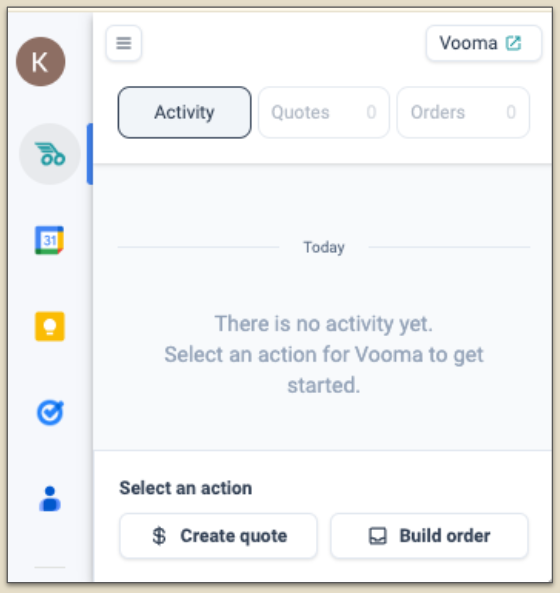
(4) You’re live!
Go back to Gmail
Refresh your tab to reload and display the most recent updates.
You're all set! Everything is ready for you to get started!